Menu

(Local Seller)KEBETEME Mini Camera Wireless WIFI HD 1080P Night Vision Camera Connected Mobile Phone Smart Home Security

{{ product.price_format }}
{{ product.origin_price_format }}
Quantity:
SKU:{{ product.sku }}
Model: {{ product.model }}
weight: {{ product.weight }} Kilogram

{{ variable.name }}

{{ value.name }}

Product Details

Specifications

  • Brand
    KEBETEME
  • SKU
    3799426613_MY-25894611502
  • Megapixels
    1
  • Delivery Option Economy
    Yes
What’s in the box
1 camera (without memory card) 1 micro charging cable 1 product manual, Chinese and English

Highlights

  • Storage capacity up to 128GB;
  • Connection method 2.4GHz WiFi
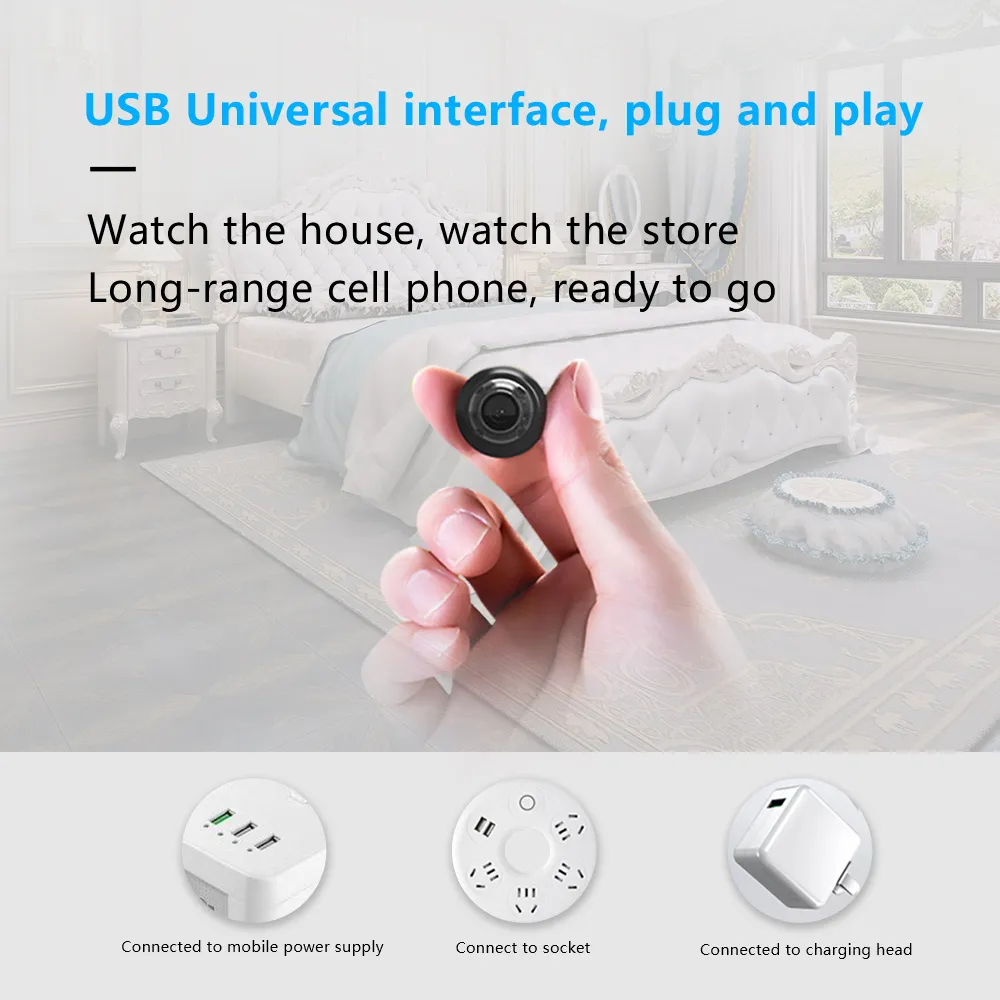
  • Power supply method MicoUSB DC 5V
  • Firmware upgrade does not support remote upgrade
  • Device restart supports remote restart

Description

Feature:


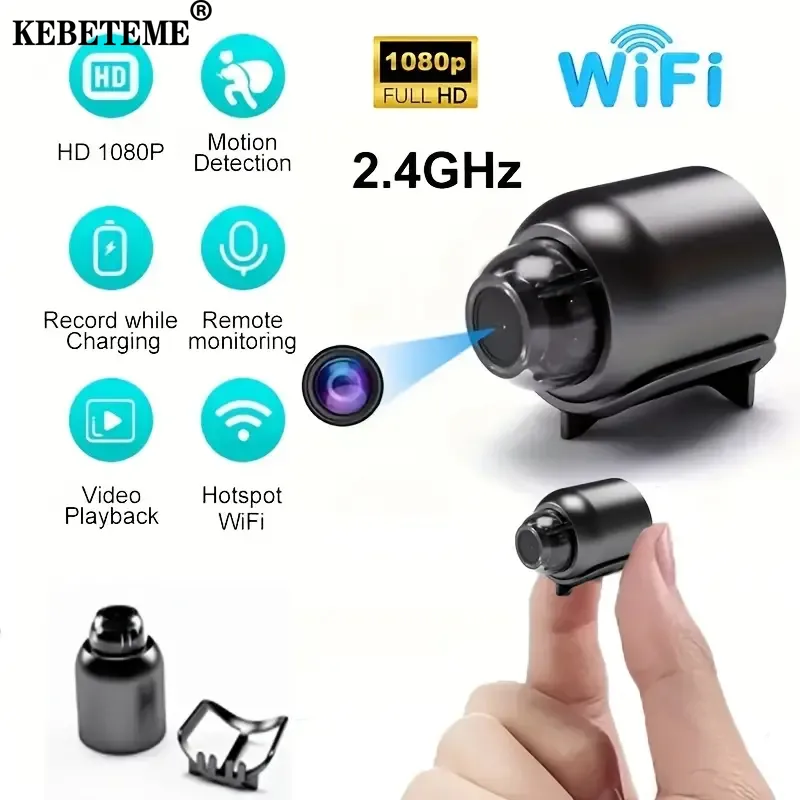
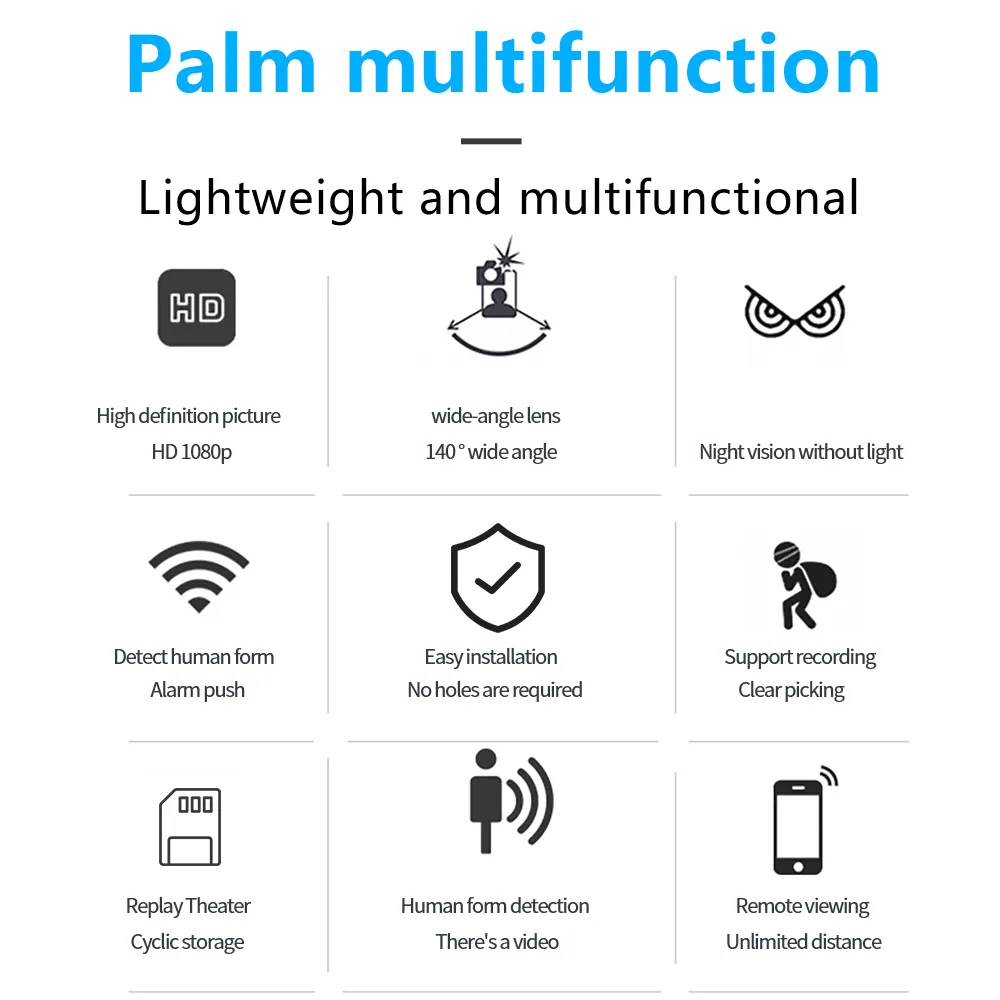
1. Small size, high energy consumption, 1080P high-definition picture quality, WIFI web camera, mobile phone remote monitoring, magnetic rotating bracket.


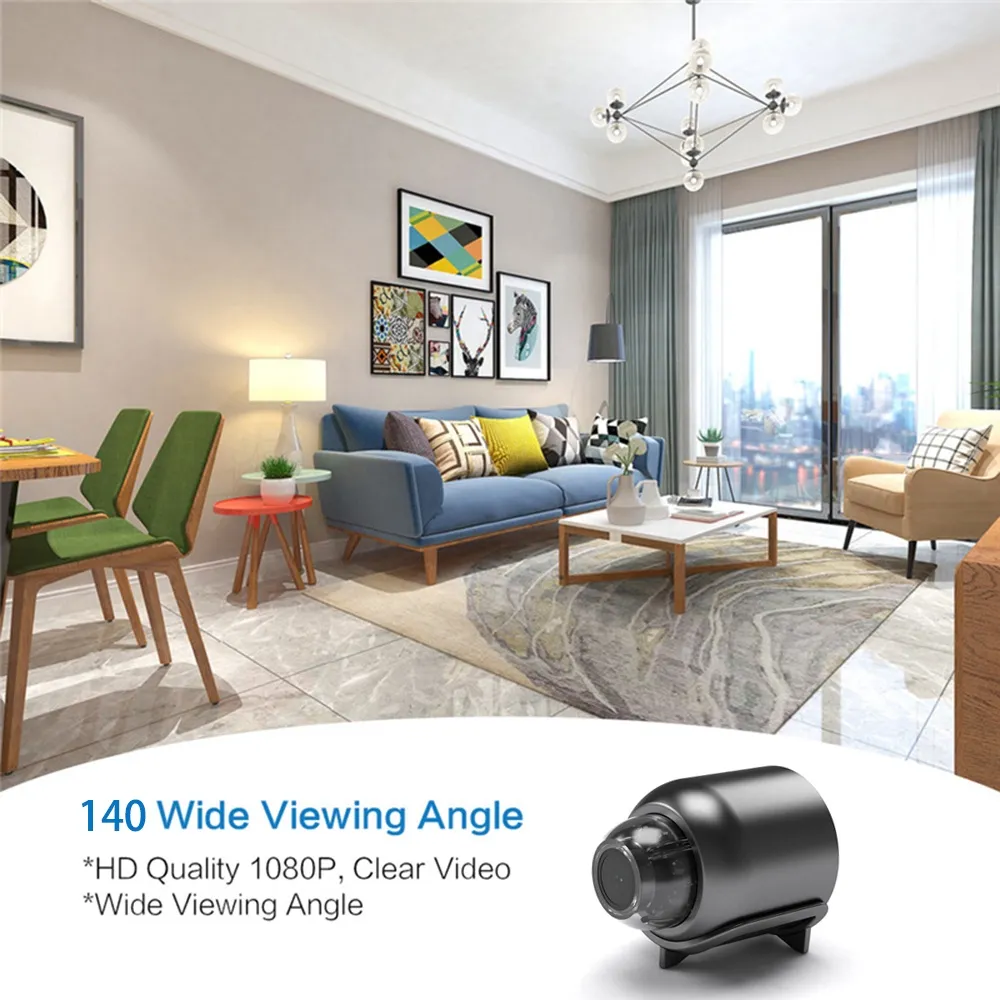
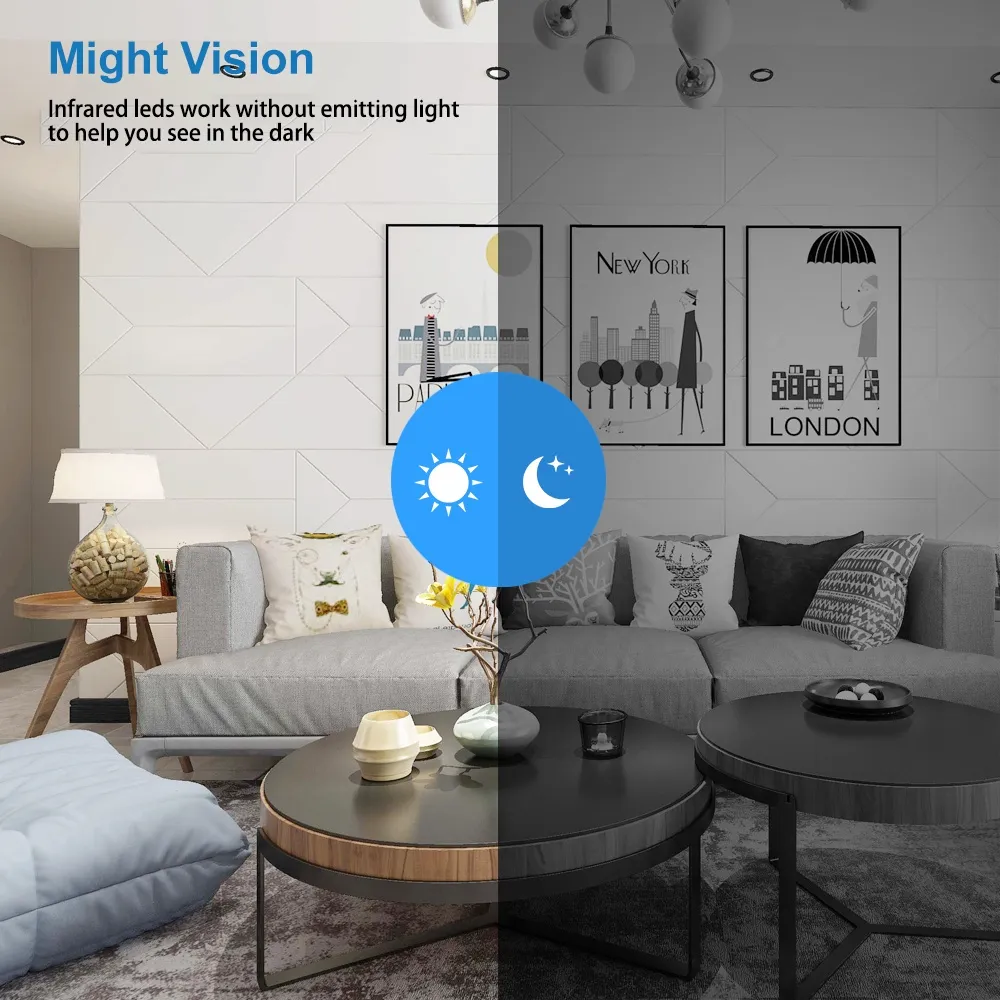
2.120 degree wide-angle shooting, night vision distance of 10 meters, audio-visual synchronization.


3. Infrared does not emit light, video does not turn on lights, no network monitoring, motion detection, multi-platform support, video can be charged at the same time.


4. One-key video, one-key switch, power display.


5. AP hotspot/WiFi link.


6. 360-degree radar reconnaissance, motion detection, sound monitoring.


7. The camera does not have a built-in battery and requires an external power input.


Connection method:


1. In a wireless network environment, scan the instructions corresponding to the QR code. Put the camera switch in the ON position and wait for 40 seconds. When you see the blue light of the device flashing, it indicates that the device has started normally.


2. Open the phone settings, select permission management, select bluecam and trust the application, start bluecam, click, and then select AP hotspot configuration. Enter the hot search page, search for the device and connect, click "Play", a security prompt will pop up, and then click "OK" to enter the user settings page.


3. Set the username and password and click to complete the operation, then you can view it in real time.


Parameter Description


Maximum resolution VGA, 640*480


Video encoding standard MJEPG


Audio coding standard G711. A


Video frame rate VGA@20fps


Storage capacity up to 128GB;


Connection method 2.4GHz WiFi


Power supply method MicoUSB DC 5V


Firmware upgrade does not support remote upgrade


Device restart supports remote restart


Working temperature -10~45℃


Working humidity ≤95%


list:


1 camera (without memory card)


1 micro charging cable


1 product manual, Chinese and English

If you want to report an issue with this item Click Here

VIEW MORE
 
Nginx server needs to configure pseudo-static rules, click View configuration method