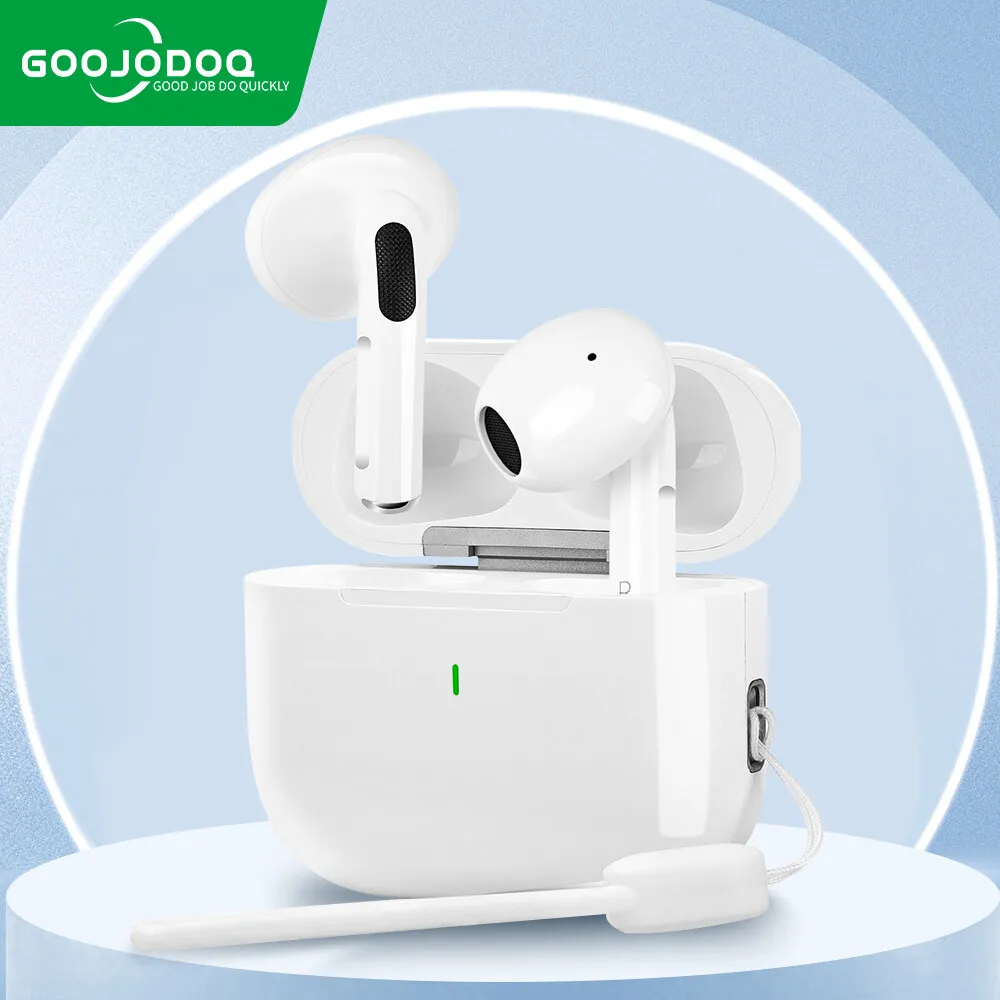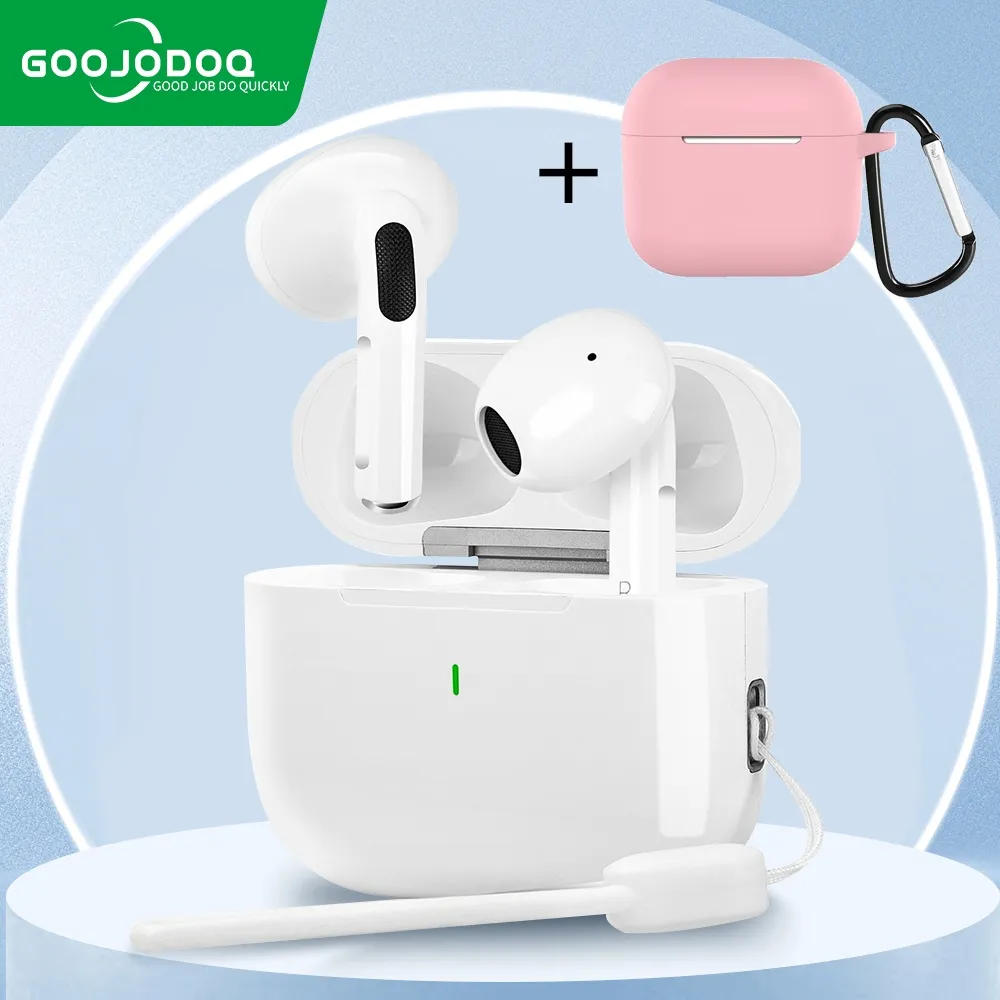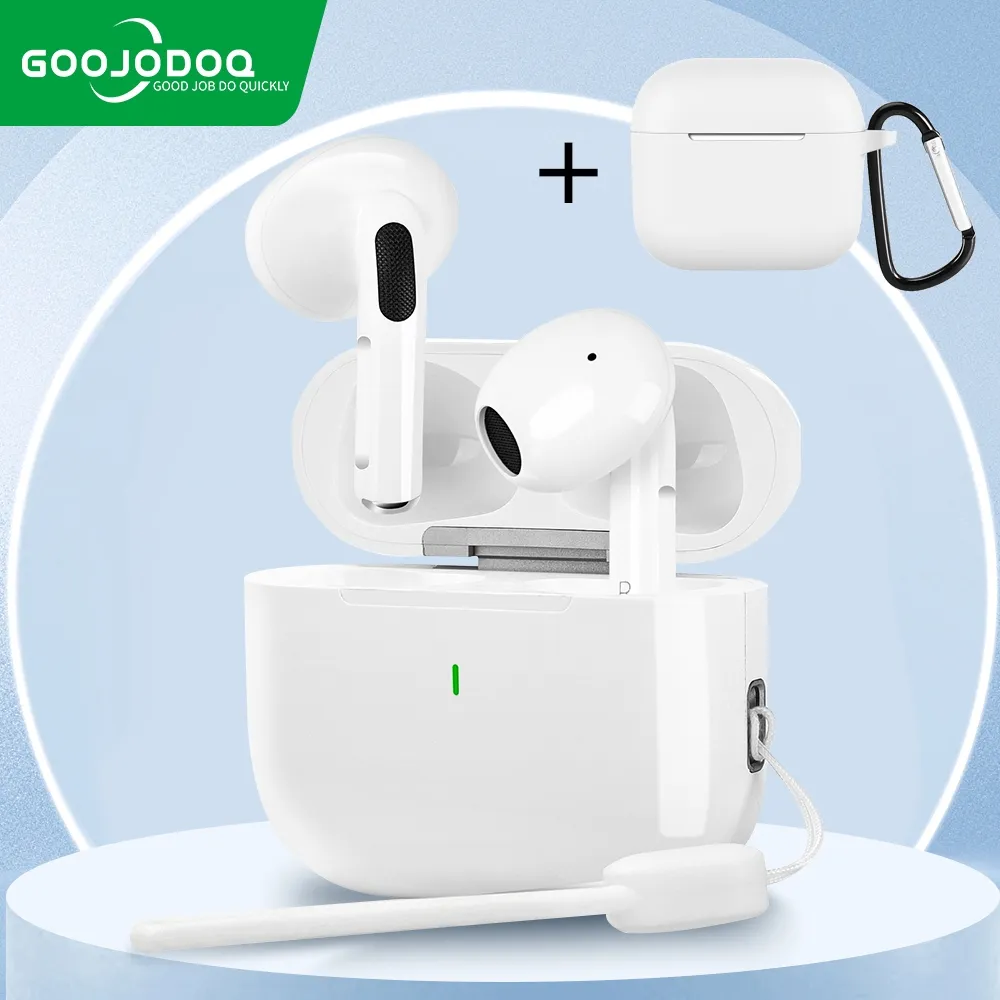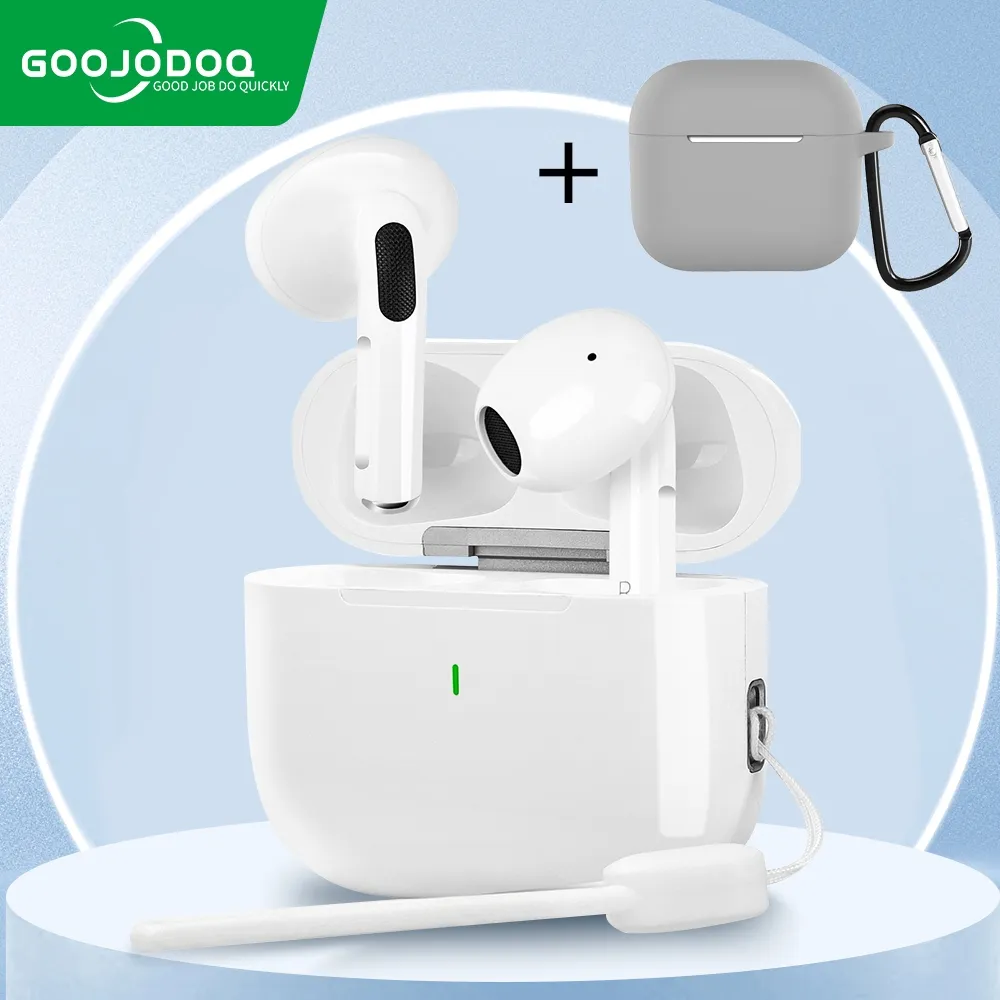




Product Description
Wide Compatibility:
⭐For Android
⭐For computer / laptop
⭐For devices that support bluetooth function
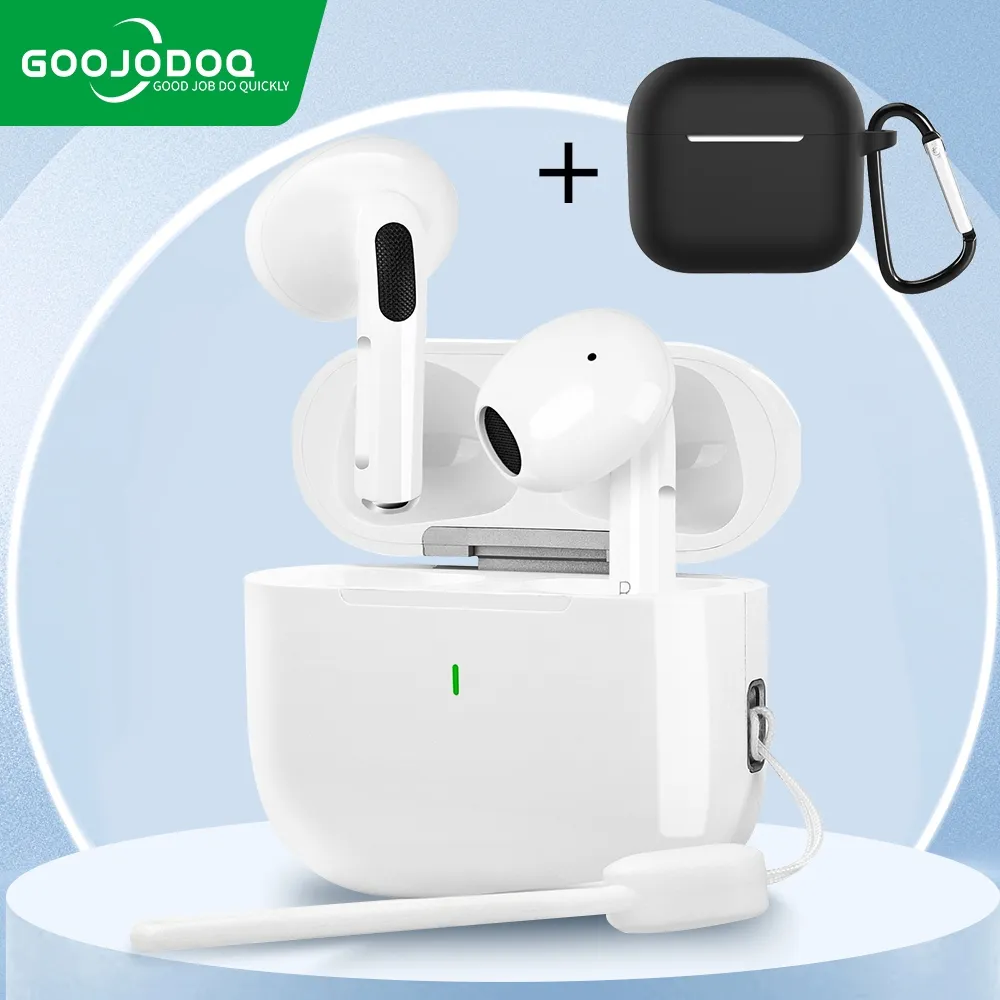
【Products】:pro4/Pro4 J3
⭐ 【Color】: White
⭐ 【Specifications】: Wireless Bluetooth
⭐ 【Wear】: Use on the ear
⭐ 【Working time】: 2~3 hours
⭐ 【Applicable models】: Bluetooth devices/mobile phones
Feature
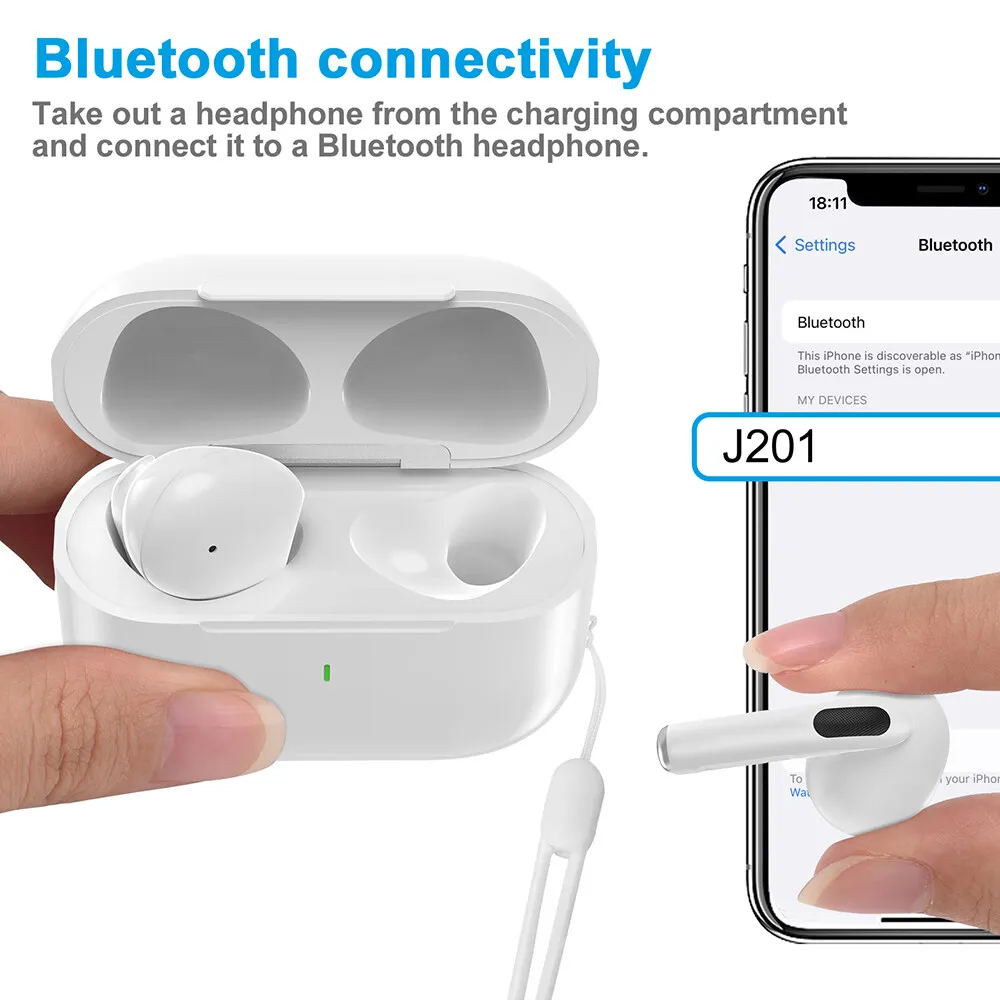
▷ Automatic pairing.
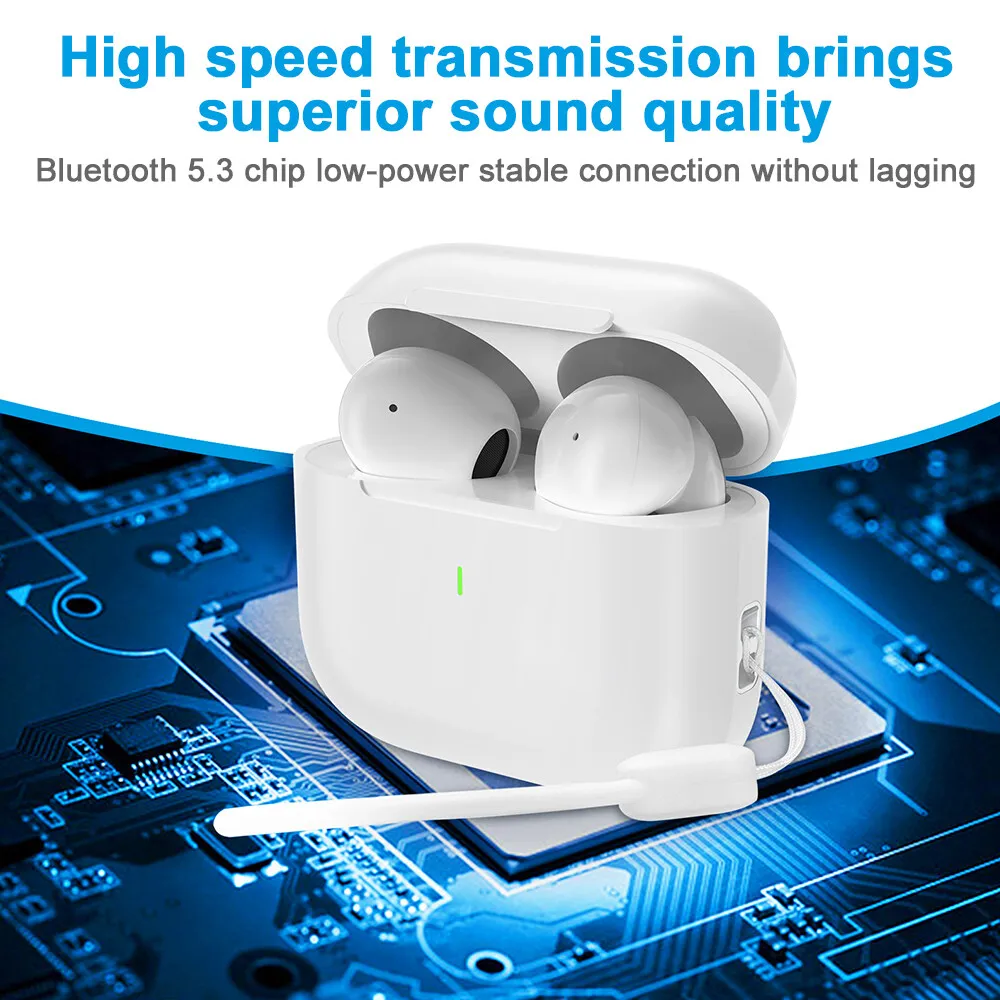
▷ HIFI sound quality, super high enjoyment
[Product List]:
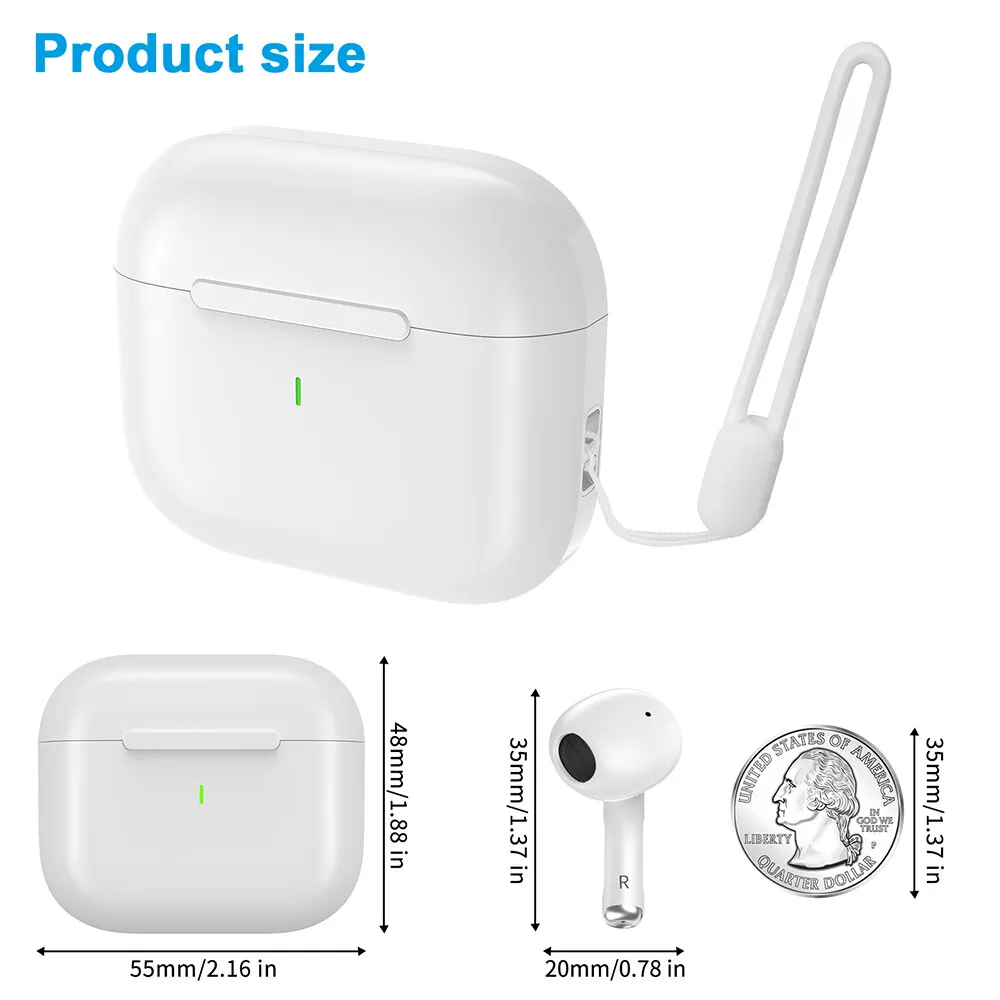
2 * Bluetooth earphones (left and right)
1 * Charging case
1 * Charging Cable
1 * Instruction manual
When connecting the headset for the first time, incorrect operation can cause the headset pairing to fail. It only causes sound to come out of one of the headphones, not both. Follow the steps below to troubleshoot.
1. Remove the connected pro 4 J3 headset in Bluetooth settings from the phone;
2. Turn off the Bluetooth function of the mobile phone, and turn off the ear power on both sides;
3. Open the load compartment cover and remove two ears at the same time
4. Wait 5-10 seconds
5. Turn on bluetooth from phone
6. Search connection pro 4 J3, if pairing is successful, will ask for "connect"
Red light: loading
✅If there is any problem with the product, please contact my store, Osuke as soon as you receive the package. We will do our best to solve your problem.